Free Government iPhone Through Lifeline: What Is Real, What Is Not, and How to Apply
Many people search for a free government iPhone and find a mix of real help and misleading promises. This guide separates the two. The federal Lifeline program gives a monthly discount on phone or internet service to households that qualify. It does not, by itself, give anyone an iPhone. Some phone companies that take part in Lifeline run their own promotions, and some of those promotions include a free or low-cost phone, sometimes an iPhone. That is the honest picture, and everything in this guide follows from it.
If you qualify for Lifeline, the discount can make staying connected much cheaper. A phone can help you look for work, attend a telehealth appointment, keep in touch with family, receive school messages, and call for help in an emergency. This page explains the discount amounts, the two ways to qualify, the documents you will need, the steps to apply, and the iPhone models providers commonly mention. It also explains the limits, the yearly check you must pass, and the scams to avoid.
What Lifeline actually does
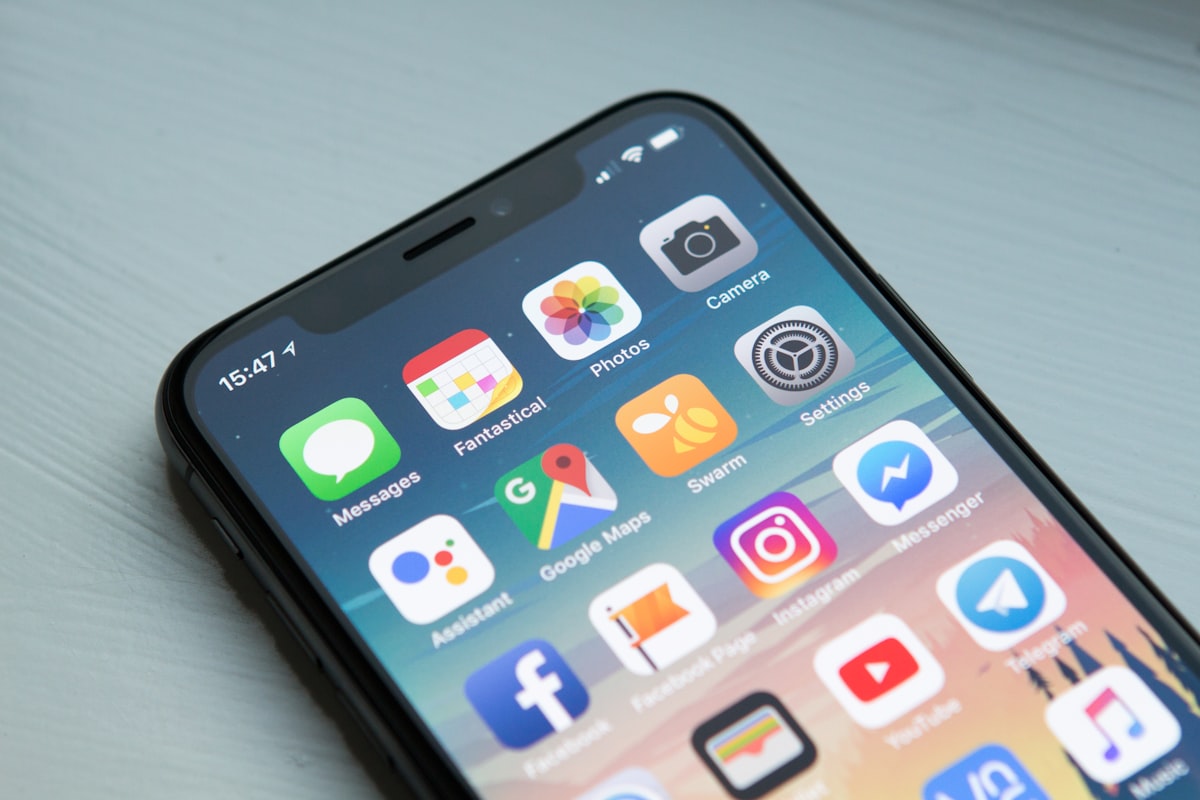
A smartphone can be a lifeline for work, school, health care, and family — but the device itself is a separate provider offer.
Lifeline is a federal program run by the Universal Service Administrative Company, known as USAC, under the Federal Communications Commission, known as the FCC. It lowers the monthly cost of phone or broadband service for households with low income or households that take part in certain federal assistance programs. The discount is applied to your service bill by the phone or internet company you choose. It is not cash, and it is not a voucher you can spend anywhere.
The discount amounts matter, so here they are plainly. For phone service, the discount is up to $5.25 per month. For internet service, or for a bundled phone and internet plan, the discount is up to $9.25 per month. For households on qualifying Tribal lands, the discount can be up to $34.25 per month. These are the maximum amounts. The exact discount on your bill depends on the plan you choose and the provider you choose, because a discount cannot be larger than the price of the service itself. If your plan costs less than the discount, you do not receive the difference as cash.
Only one Lifeline discount is allowed per household. That is a strict rule. A household is a group of people who live together at the same address and share income and expenses. If two people live at the same address but are separate households — for example, roommates who do not share money — they may each be able to qualify, but they must be able to show that they are separate households. A married couple living together is one household. If you are not sure whether you count as one household or two, the National Verifier application will ask questions that help settle it, and the provider you choose can explain the rule as well.
One more fact that surprises many people: Lifeline does not pay for a phone. The program pays part of the monthly service. When a provider advertises a free iPhone with Lifeline, the phone comes from that provider's own promotion, not from the government. The provider chooses which models it offers, how many it has, whether there is a shipping or activation fee, and how long the offer lasts. That is why one provider may offer an older iPhone model while another offers a different model, and why an offer that was available last month may be gone this month. Always read the provider's own terms before you apply, and never assume that every Lifeline provider offers an iPhone.
Two ways to qualify
There are two paths into Lifeline, and you only need one of them. The first path is income. Your household income must be at or below 135 percent of the Federal Poverty Guidelines. The guidelines change every year, so the dollar figure depends on your household size and the current year. For 2026, the one-person limit at 135 percent is $21,546 per year, and the four-person limit is $44,550 per year. Larger households have higher limits, and smaller households have lower limits. If your income is close to the limit, it is worth checking the current figures for your household size rather than guessing, because a small change in income can change the answer.
The second path is program participation. If you or someone in your household takes part in one of the qualifying programs, you can qualify that way even if your income is above the income limit. The main qualifying programs are the Supplemental Nutrition Assistance Program, known as SNAP; Medicaid; Supplemental Security Income, known as SSI; Federal Public Housing Assistance; and the Veterans Pension and Survivors Benefit. On Tribal lands, additional programs qualify, including the Bureau of Indian Affairs General Assistance, Tribal Temporary Assistance for Needy Families, Food Distribution Program on Indian Reservations, and Tribal Head Start for households that meet its income rule. You only need one qualifying program, and you will need proof of it when you apply.
One program that often causes confusion is WIC, the Special Supplemental Nutrition Program for Women, Infants, and Children. WIC by itself is not a standard federal Lifeline qualifying program. Many people assume it qualifies because it is a well-known nutrition program for low-income families, but the federal Lifeline rules do not list it. If your household receives WIC and nothing else on the qualifying list, WIC alone will not make you eligible. You may still qualify through the income path, or through another program such as SNAP or Medicaid, so check those paths before giving up. This is a point worth getting right, because applying on the basis of WIC alone leads to a denial that could have been avoided.
For households that want to learn whether they qualify, there is a simple starting point: a free iphone guide can help you understand the options, but the official decision is always made through the National Verifier, which is explained in the application section below. No website, video, or advertisement can approve you. Only the Verifier and your chosen provider can do that.
Which iPhone models might you get?
Because the phone is a provider promotion, there is no official list of iPhone models that Lifeline guarantees. Providers that offer iPhones usually offer older models, because those are the models they can provide at low cost. The models most often mentioned by providers are the iPhone 11, iPhone 12, iPhone 13, and iPhone 14, and sometimes the iPhone SE. Newer models such as the iPhone 15, iPhone 16, and iPhone 17 are sometimes advertised, but they are far less common as free offers, and they often come with conditions such as a longer plan commitment or an extra payment.
Model
What to expect
Good to know
iPhone 11
Most common free offer
Older model, still works well for calls, messages, and apps
iPhone 12
Common free or low-cost offer
Adds 5G support on many carriers
iPhone 13
Offered by some providers
Better battery life and camera than the 11 and 12
iPhone 14
Less common, sometimes with a fee
Ask whether the offer is truly free or has a copay
iPhone SE
Sometimes offered instead of a full-size model
Smaller screen, home button, lower price
iPhone 15, 16, or 17
Rare as a free offer
Check the fine print carefully before you commit
Do not choose a provider only because of the phone model it advertises. The service matters at least as much as the device. Ask whether the plan includes enough data for your needs, whether coverage is good where you live and work, whether calls and texts are included, and whether there are fees for activation, shipping, or early cancellation. A free phone on a plan that does not work in your area is not a good deal. A modest phone on a plan with strong coverage and enough data is usually the better choice.
It is also worth asking whether the phone is new or refurbished. Some providers offer refurbished phones, which are used phones that have been checked and repaired. A refurbished phone can work perfectly well, but you should know what you are receiving, whether it comes with a warranty, and what happens if it stops working. A provider that will not answer these questions plainly is a provider to be careful about.
How to apply, step by step
Check that you qualify. Use the income limit for your household size, or check whether anyone in your household takes part in SNAP, Medicaid, SSI, Federal Public Housing Assistance, or the Veterans Pension and Survivors Benefit. If you are unsure, gather your documents first and let the Verifier decide.
Gather your documents. You will need proof of identity, proof of address, and proof of income or proof of program participation. A prior-year tax return, three months of pay stubs, a benefit letter, or an official program document can serve as proof. The exact documents depend on how you qualify.
Apply through the National Verifier. The National Verifier is the official system that checks eligibility. You can apply online at LifelineSupport.org or at getinternet.gov/apply, or by mailing a paper application. You will need the last four digits of your Social Security number for the check, but you should never share your full Social Security number with anyone who contacts you first.
Choose a provider. Once the Verifier approves you, choose a phone or internet company that takes part in Lifeline in your area. Compare plans, coverage, data, and any phone offer before you sign up. The provider applies the discount to your bill.
Keep your benefit. You must recertify every year to show that you still qualify. If your income or program participation changes, tell your provider. If you do not recertify, you will lose the discount.
Most people apply online, and the online application usually gives an answer quickly. If the Verifier cannot confirm your eligibility automatically, it will ask you to upload documents. That is normal, and it does not mean you have been denied. It means a person needs to look at your proof. Upload clear photos or scans, make sure names and dates match, and keep copies of everything you send.
In Oregon and Texas, the process is slightly different, because those states run their own eligibility checks instead of using the National Verifier directly. If you live in one of those states, follow the instructions on LifelineSupport.org for your state, and your provider can guide you as well.
What Lifeline does not do
Lifeline does not guarantee a free iPhone, a free phone of any kind, free shipping, or free service. Some providers offer plans where the discount covers the whole monthly cost, so the service feels free, but that depends on the plan price. A plan that costs more than the discount will still leave a balance to pay. Shipping is sometimes free and sometimes not. Service is sometimes fully covered and sometimes not. These are provider terms, and they change.
Lifeline also does not cover the cost of a phone, a tablet, a charger, a case, or repairs. If your phone breaks, Lifeline will not replace it. Some providers offer a warranty or a replacement program, but that is their own policy. Ask about it before you choose, especially if you are receiving a refurbished phone.
The Affordable Connectivity Program, known as ACP, was a separate program that ended in 2024. It is often confused with Lifeline, but it was different. ACP gave a larger discount and included a device benefit for some households. It has ended, and its benefits are no longer available. If a website or advertisement promises ACP benefits today, it is out of date or misleading. Lifeline is the program that remains, and it is the program this guide describes.
Remember: one discount per household, one application through the official Verifier, and no one can promise you a specific iPhone model before you apply. Anyone who promises otherwise is not describing Lifeline.
Scam warnings
Be careful with any message that asks for personal details or payment to unlock a free phone.
Free phone offers attract scammers, so a few warnings are essential. Never share your full Social Security number, your passwords, or your bank details with anyone who calls, texts, or messages you about Lifeline. The real application asks for the last four digits of your Social Security number, and only when you apply through the official website or a paper form you requested. No legitimate provider will ask you to pay a fee to apply for Lifeline, and no legitimate provider will ask you to pay with gift cards, wire transfers, or cryptocurrency.
Be suspicious of any message that says you must act today or lose your benefit, any message that claims you have already been approved before you applied, and any message that asks you to click a link in a text to claim a phone. Go to LifelineSupport.org yourself, or call your provider using a number from its official website. If you think you have been targeted by a scam, report it to the FCC and to your provider, and do not send money or personal information.
Also be careful with websites that look official but are not. A real government or program website will not ask for payment to check your eligibility, and it will not promise a specific phone model. If a site asks for your full Social Security number just to check whether you qualify, leave it and use the official Verifier instead.
Official resources
These are the three official sources for Lifeline. Use them to confirm anything in this guide, to apply, and to find a provider in your area.
USAC Lifeline — eligibility rules and the National Verifier
FCC Lifeline — the program's rules from the Federal Communications Commission
For more detail on who qualifies, see our Eligibility page, and for the application steps in full, see How to Apply. If you have a specific question, the FAQ page answers the questions people ask most often.
Disclaimer: This guide is for educational purposes only and is not affiliated with or endorsed by the FCC, USAC, or any government agency. Lifeline does not guarantee a free iPhone. Program rules, income limits, and provider offers can change; confirm current details on the official Lifeline websites before you apply.